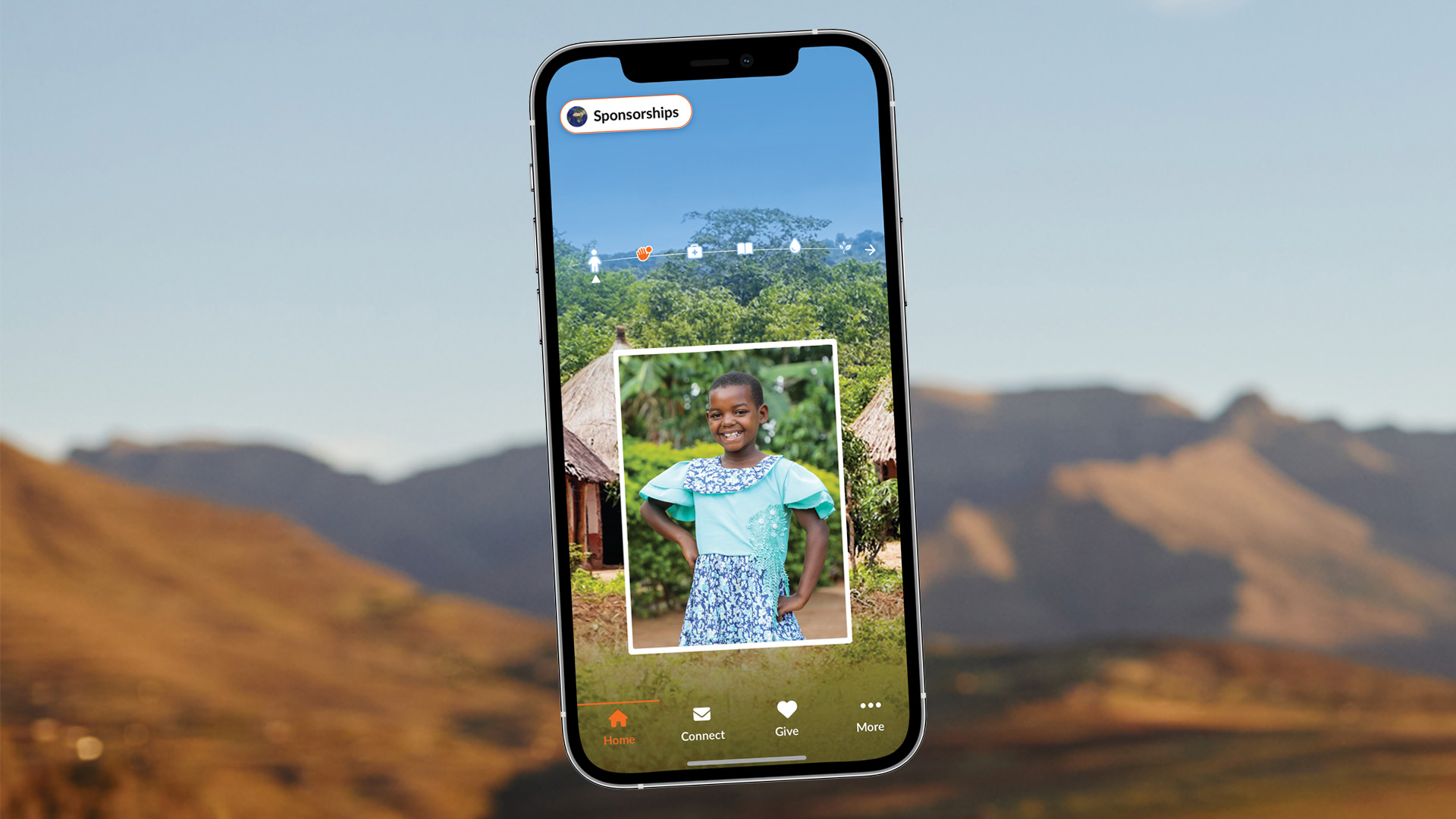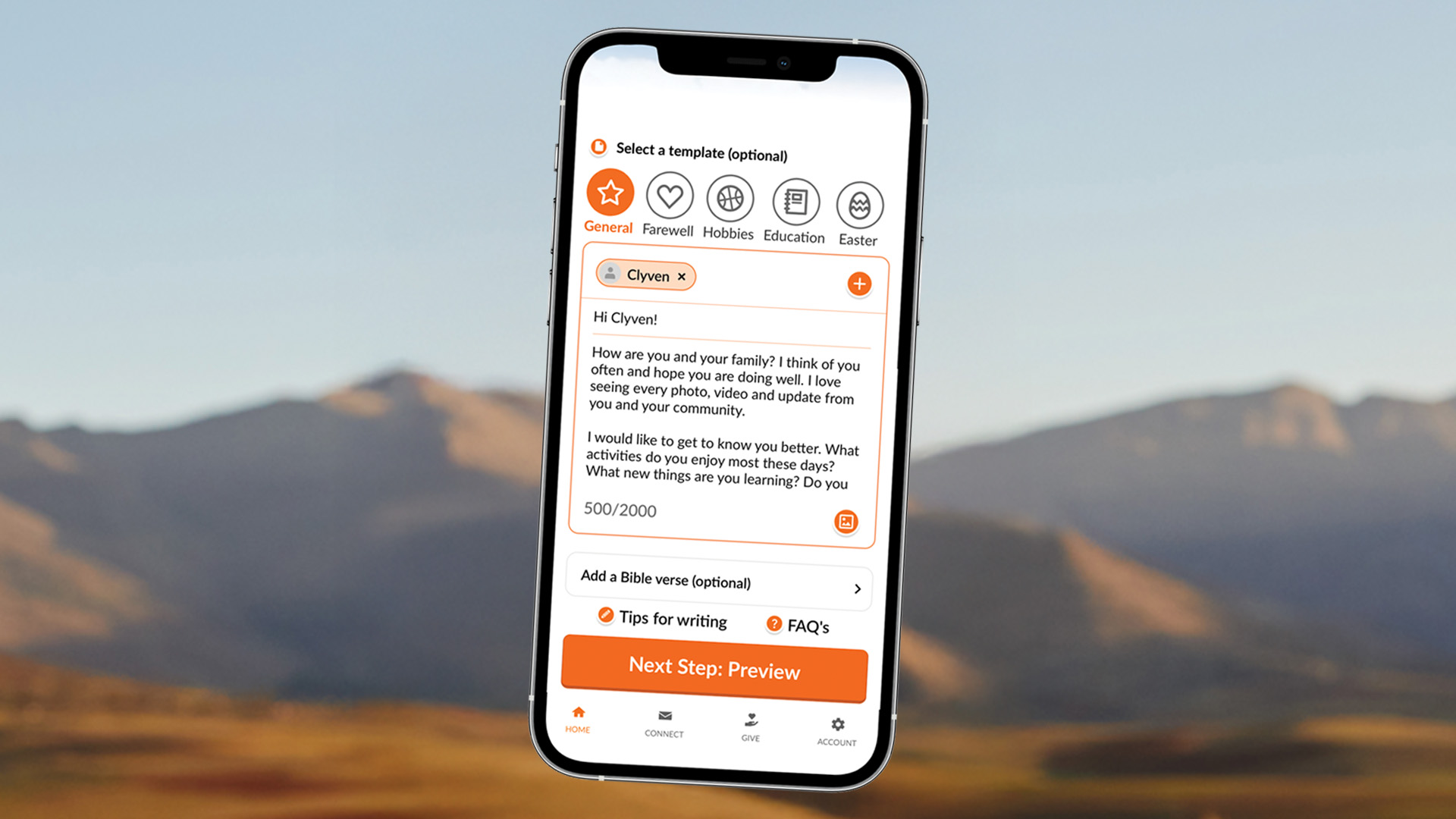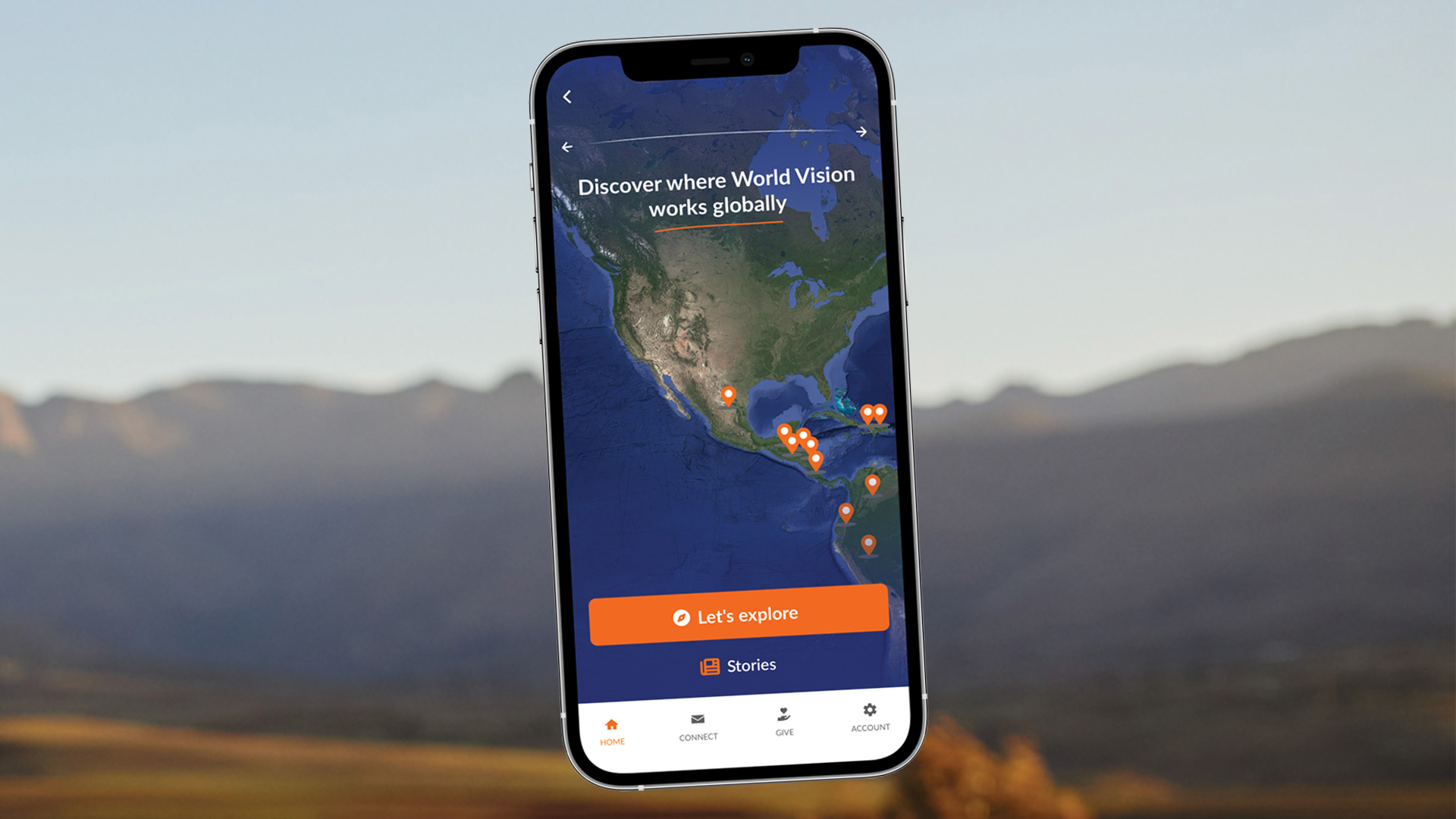

Log in to My Sponsorship to find out more about your sponsored child, how your donations are making a difference, and to keep in touch with one of our easy to use letter writing templates.

DISCOVER YOUR 'MY SPONSORSHIP' ACCOUNT

Step into your sponsored child's world.

It’s never been easier to see what’s happening in your sponsored child’s life.

Your My Sponsorship account helps you stay close to the child and community you support, and see the difference your sponsorship is making.

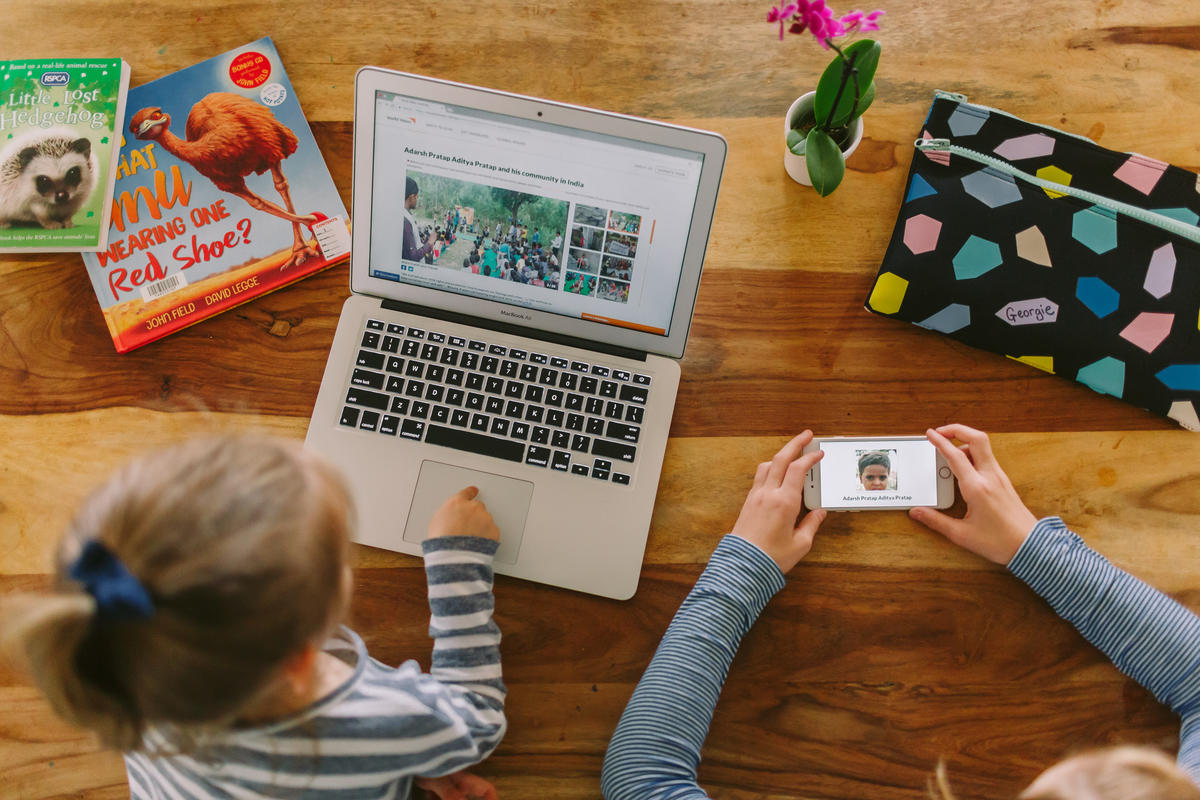
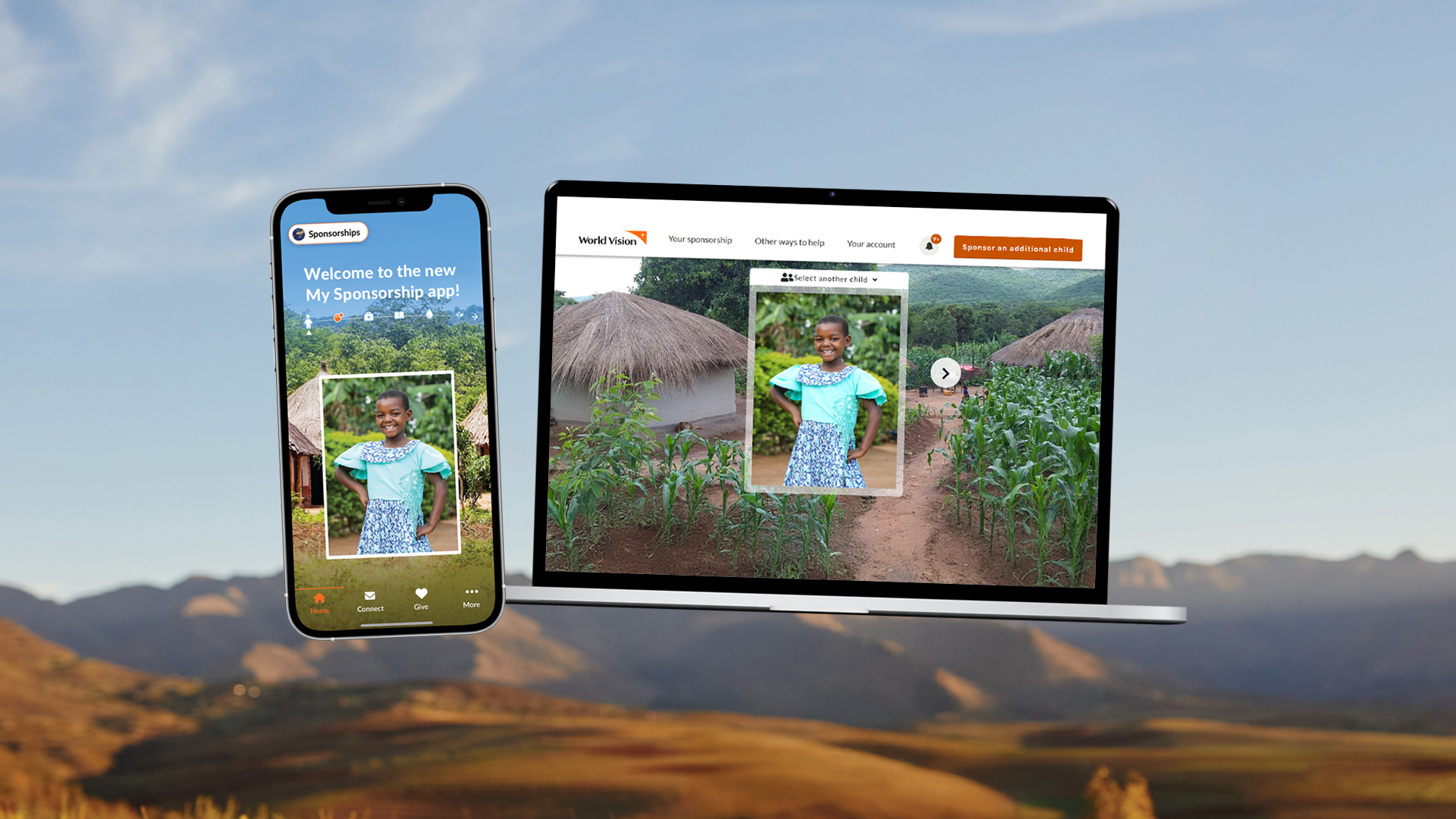
You can access your account on our website portal or in the app — both are linked and work together to give you one joined-up experience.

.

Apple app store icon   Google app store icon

With My Sponsorship you can

One sponsorship account - two ways to connect 

Choose the portal for a full overview of your sponsorship and the app for quick, everyday connection.

Here’s how each works.

My Sponsorship portal

Best for:

  • Seeing all your sponsorship details in one place
  • Accessing past letters, reports and documents
  • Managing your personal details and contact preferences

My Sponsorship app

Perfect for:

  • Viewing photos, videos and stories anytime
  • Sending messages and photos directly from your phone
  • Tracking correspondence as it travels to and from your child
Tip: Both options link to the same account. Switch between them anytime.

Apple app store icon   Google app store icon

My Sponsorship helps me feel connected to our sponsor child. The ability to see videos, and send letters online has massively enhanced our experience.

Your frequently asked questions

  • On the portal: You will be able to create an account and see your sponsored child online as soon as you have your supporter ID (it’s a 9-digit number that will be included in all of your emails and letters from us), 

    On the app: Whilst you can download the app straight away, it can take up to 24 hours for details of your newly sponsored child to show in your app.

    Feel free to contact us if you can’t see your sponsored child after this time. You can call us on 01908 84 10 10 or email us at supporter@worldvision.org.uk 

  • We aim to bring you updates as often as possible to keep you in the loop about the amazing impact you’re having on your sponsored child and their community. Our staff and volunteers are often out in the community gathering updates for you.

    For some communities there may be weekly updates, while for others the updates may be less frequent. 

  • Yes, you’ll receive push notifications whenever there are updates for your sponsored child or new community videos to see.

    Please make sure that push notifications are turned on. You can do this under 'Account & settings'.

  • Yes you can. Simply select the 'Sponsor a child' tab at the bottom of the 'More' section and you can choose a child to sponsor.

    Please note it may take up to 24 hours for the details of any newly sponsored child to appear in your app or account.   

  • We’re sorry you’re having trouble logging in.

    To create an account on the website portal you need your supporter ID (it’s a 9-digit number that will be included in all of your emails and letters from us).

    To sign in to the app, you need to use the email address that you used when setting up your sponsorship. You also need to create a new account for the app, rather than try and log in with the details you use for your My Sponsorship online account.

    If this doesn't work, please call us on 01908 84 10 10 or email us atsupporter@worldvision.org.uk and we'll be happy to help you get in.

More about your sponsorship